Article List
Advertisement
What Measures Should I Take to Pay for Parking?
ParkMobile
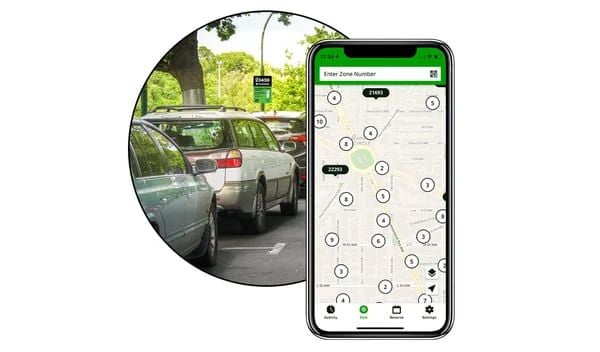
How to pay parking fee by ParkMobile?Just pay parking fee by selecting your parking position, entering the parking code, choosing the parking time and paying by credit cards or debit cards. What paying methods does ParkMobile support?ParkMobile supports a number of payment methods, including credit cards, debit cards and PayPal. Do I need to connect the internet when using the ParkMobile?Yes, but after finishing the transaction, the app can record your parking information even in the situation without internet. What to do if I park longer than the scheduled time?If you park longer than the scheduled time, you can extend your parking time in the all. If you don’t pay for your extra money, you will be fined. Can I use ParkMobile for multiple cars?Certainly, you can add multiple car numbers in the app to pay parking fees for them. Does ParkMobile support a parking reminder?Sure, it can send a notification to you when your parking time is going to end to let you renew parking fee or drive your car away in time. What should I do if I meet payment issues?If you meet payment issues, you can look for the frequently asked questions in “Help Center” or connect the customer services for help. Is ParkMobile safe enough?ParkMobile protects your payment safe through industry-standard encryption tech to ensure your trust in paying securities. Where can I use ParkMobile?ParkMobile’s services are covered in multiple cities and regions all over the world, you can check whether the city you are in supports ParkMobile or not, or look for the ParkMobile sign in parking space.
What If I Want to Manage My ParkMobile Account?
ParkMobile
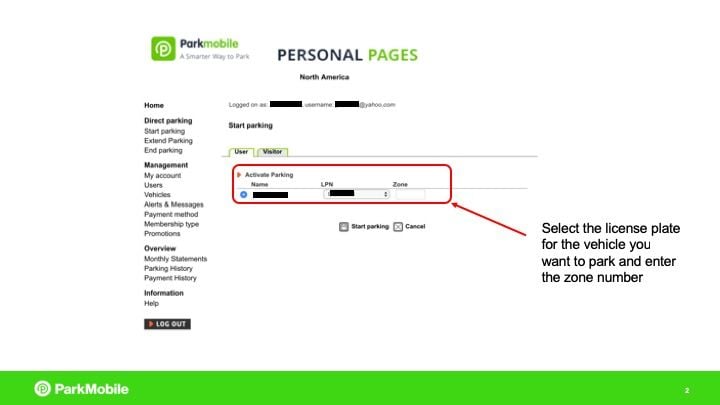
How to change the personal information in ParkMobile?Click Settings or Personal Information where you can edit or update your personal information, including name, e-mail address, phone number and vehicle information. After editing, click save to reserve your account information. How to add or delete paying methods?Click Settings and choose Payment Methods, click “Add Payment Method” to input new credit cards, debit cards or mobile payments such as Apple Pay or Google Pay, and if you want to delete the present payment method, just click “Delete” near that payment method. How to view parking history?Just click “Parking History” or “History”, you can see all the records of your parking, including parking positions, times and fees. How to set the parking expiration reminder?In Settings, you need to click “Notification” or “Reminder” to open the parking expiration reminder. You can also select the time of reminding, such as 15 or 30 minutes ahead. How to connect the customer support?Enter “Help Center” or “Support” to see frequently asked questions and chat with the customer service. There is another way that you can connect them by e-mail or phone call. How to delete the account?You need to enter Settings and click “Account Management” or “Account Settings”, then you will see “Delete Account”, just click it and follow the hints to delete the account. But do remember, after deleting the account, all your information and parking history will also be removed forever. How to reset the password?When you enter the log in page, you just need to click the “Forget Password” option, And then, input the e-mail address you used when registering last time, you will receive an e-mail from ParkMobile and you can follow what it teaches you to find your password back. How to update the ParkMobile?It is not an intentional option because when the app needs to be updated, it will show on your phone. You can check your App Store or Google Play Store, if there is any notification that this app need to be updated, just click “Update” and you will get the latest version of ParkMobile, if there is not any information to notice you to update, you are supposed to do nothing.
Things You Need to Know to Get Started with ParkMobile
ParkMobile
What is ParkMobile?ParkMobile is a convenient mobile app that allows users to pay parking fees on mobile phones. No matter you are students, teachers, workers or visitors, you can use is by downloading from App Store or Google Play Store, visiting the official website or making a free call. How can I create a ParkMobile account?Creating a ParkMobile account is very easy. First, you need to download it, then open the app and click “Create An Account”, this option may be under the Settings. Later on, enter your e-mail address, create a password, agree to the terms of use, and then click “Register”. In addition, enter your car number and conditions, the account creation is finished. What’s more, do remember to add your payment information by navigating to the settings to payment method. How do I start a parking session with ParkMobile?Starting a parking session with ParkMobile is quite easy. Open the app, click “Start to Park”, select the space and position you want to park, enter your parking time, make confirmation, after all these operations, you have completed. What should I do if I encounter issues with the ParkMobile app?If you encounter issues with ParkMobile, here are some skills to do. Firstly, check your connection. Ensure your phone has a stable 4G or 5G connection because unstable network can lead to app failure. Secondly, restart the app. Sometimes you can solve the problem by simply restarting the app. Then, update it. Make sure the version you are using now is the latest and usually updates can fix the bugs and improve the functions. What’s more, confirm your account information, car number and payment information are correct. Moreover, if the issue still can not be solved, please connect the services for help, you can find the customer service information on official website or “Help Center”. Is there a fee for using ParkMobile?Creating a ParkMobile account is usually free, but if you create your account by calling a phone, there may be 5 dollars’ bill for registration. And the parking fee differs according to your parking space and areas. Can I use ParkMobile if I don't have a smartphone?Although the mobile app is the most convenient way to use ParkMobile, you can also pay your parking fee through official website or calling. How do I ensure my account is secure?To keep the security of your account, you can use a secure and unique password, check your account history regularly to avoid abnormal use.
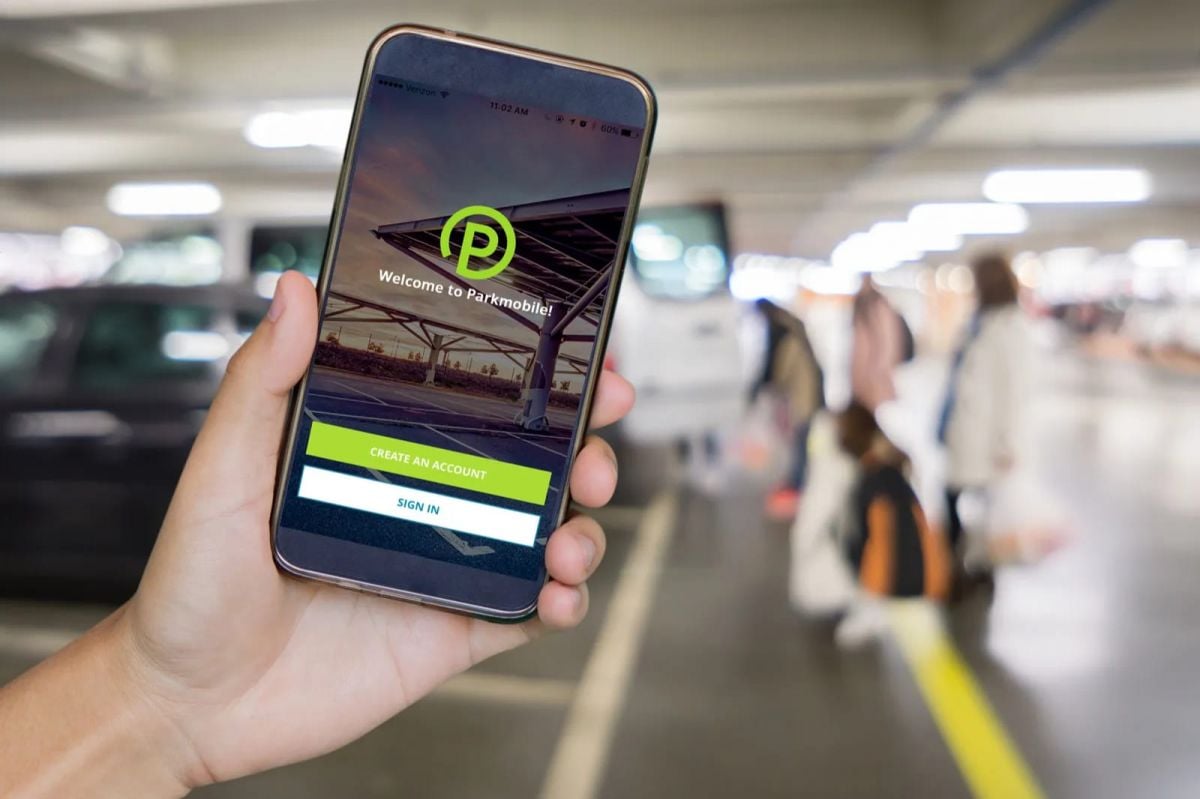
Figure out the Detailed Information about ParkMobile Coupon
ParkMobile
What is a ParkMobile coupon?ParkMobile coupon is a discount or sales promotion tool released by the app called ParkMobile which allows users to enjoy discounts or even free of charge when paying parking fees after using these coupons. Coupons are usually provided in code form, users can enter the code to get relevant discounts when paying. How to get ParkMobile coupons?There are various ways to get ParkMobile coupons. ParkMobile regularly publish coupons information on its formal website and app, users can check these platforms to get latest coupons regularly. And you can also subscribe the e-mail or follow the ParkMobile’s social account to receive the coupons information in time. What’s more, it sometimes collaborates with its business partners or participates in certain activities to publish its new coupons, users can get these coupons by participating these activities or focusing the channels of business partners. How to use ParkMobile coupons?It is very easy to use ParkMobile coupons. First, gain the coupon code, then, select the area you want to park and enter the parking area code on the app. After that, find “coupons” or “discount code” input box, enter the code you have. Finally, make sure that you have finished the payment. How long is the coupon valid?Every coupon has its certain valid period which is usually labeled clearly. Users need to use the coupon before it expires, for the reason that expired coupon can not be uesed. Can the coupons be used with other discounts or promotions?It depends on the specified coupon and situation. Some coupons can be used with other discounts and promotions but some can not. Before using these coupons, users must read the introductions carefully. If the coupons can not be used, what should I do?If you can not use the coupons, you can try the following solutions. First, make sure that the coupon is still in its valid period. Second, check if it meets all the limited conditions to use, such as minimum consumption amount or specific parking area. If the problem is still remained, turn to ask for “Help Center” in the app, or directly connect the customer support team. Can the coupons be transferred to others?Usually, the coupons are bound to the certain users’ accounts and can not be transferred to others. Every coupon has its specified limitations, users should make sure they meet them all. How to check the coupon history I have used?You can check the coupon history you have used in ParkMobile app. The specified processes are click “Parking History” or “Coupon History”, and then check the coupons you have used and their detailed information, including use date and discount amount. Does ParkMobile offer Halloween promotions?Although there is no report from ParkMobile about Halloween promotions last year, users can still open ParkMobile app or visit the official website to gain other promotions. A number of other promotions and discounts are all waiting for you. What is the best ParkMobile coupon today?The best ParkMobile coupon today is 20 percent discounts. You can see the everyday best coupon on the top of the page. In general, the biggest coupon can be used in all products only they are in ParkMobile. Do students have special discounts or promotions in ParkMobile?Of course, ParkMobile pays attention to the students and aims to promote their shopping experiences. If you are a university student or a student in high school right now, ParkMobile is truly suitable for you. But you need to offer some information to confirm that you are a student. And more detailed information is shown in the “Student Discounts” section of ParkMobile official website.