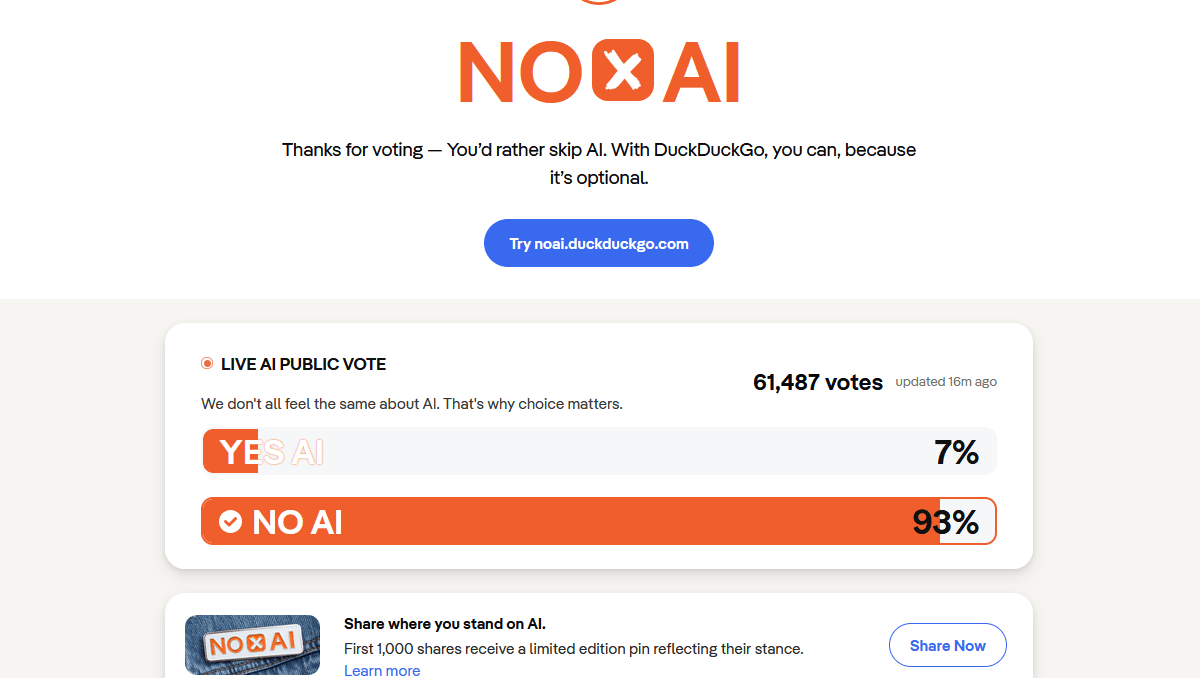
Searching often introduces default AI-generated summaries and chat functions. Although AI tools can provide immediate answers, they often replace genuine sources of information from the web by generating misleading material and disturbing pure search experiences. DuckDuckGo is one of the few platforms that aims to maximize user freedom by giving all control and functionality over AI. DuckDuckGo prioritizes anonymity and security, it lets users disable all artificial intelligence features through its mobile app —no more AI search at all. A complete guide in the article to go ahead and turn off AI features on DuckDuckGo.
Reasons for Deactivating AI Features on DuckDuckGo
Built-in AI tools’ summaries are based on Wikipedia. These links generated in an automatic way by AI, may be covering original web content from the other side but will not take to exact ideas and only give us a summarized (also incorrect) general idea —they slow down our page loading.
AI is an unnecessary interference for users who are interested in fact-checking, academic research and straight pure web search. Turning off our AI functionality allows for a return to clean, original search results while also averting algorithmic bias, so DuckDuckGo has core strengths of privacy and trustworthiness.
Disabling In-App AI Functions — How-to Guide
First, open the latest version of DuckDuckGo on your mobile device. Find the settings icon in the right corner of your main interface and click it to go into its setting page.
Second, locate and tap on the AI Features to access everything that enables search & chat with artificial intelligence. There are two core settings that require adjustments in this menu: Search Assist and Duck.ai Chat. For Search Assist, choose Never mode from the four optional levels. This prevents automatic, AI-generated summaries from showing up on search result pages entirely.
Third, turn off the Duck.ai Chat function entirely. This will eliminate all AI chat entrances in the app so as to not trigger any accidental chats with an AI. Save the changes and leave from menu, after changing these two settings. After that, all search results will just be organic web content with no AI-like assistance.
The mobile DuckDuckGo app settings of iOS and Android are almost similar, the intuitive design makes it easy for anyone to navigate.
No-AI Link for Permanent AI-Free Search
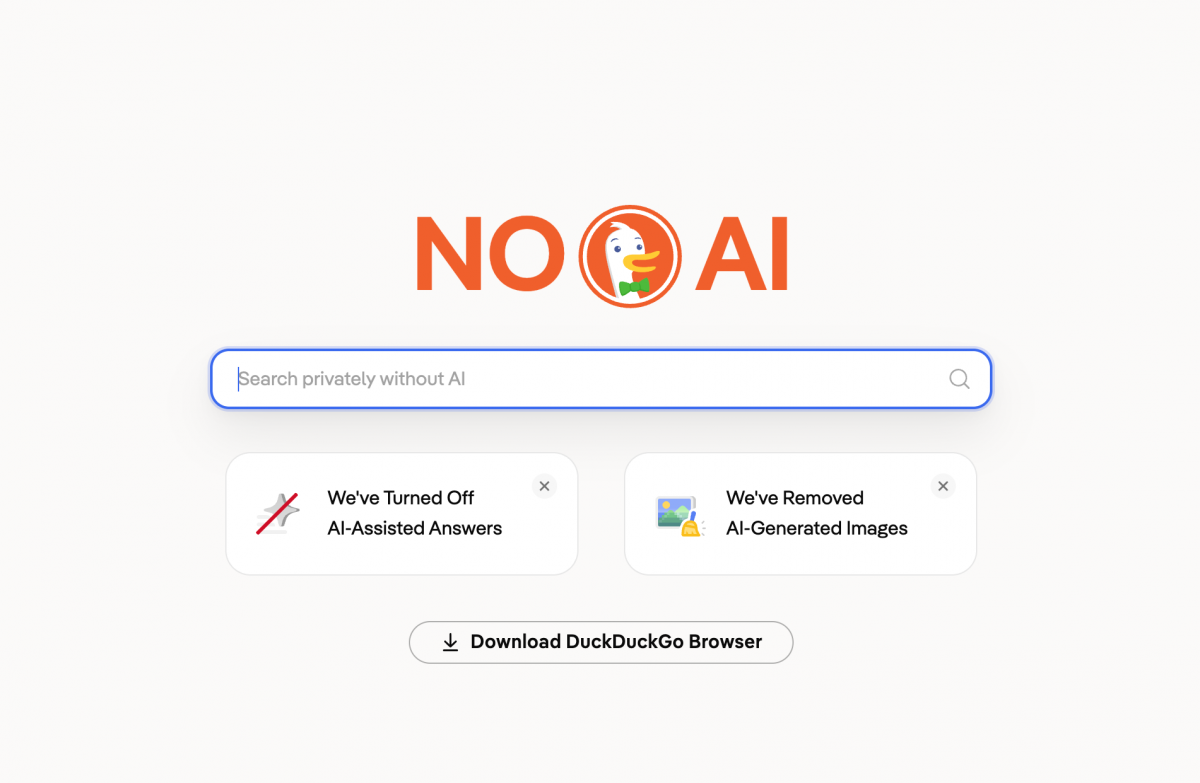
For users who want a permanent AI-free search state, DuckDuckGo offers an advanced solution. Users can access the official AI-free dedicated page noai.duckduckgo.com via the app. Bookmark this link for one-click access. This method permanently locks all AI functions, requiring no repeated setting adjustments. It is the most reliable way to maintain a pure search experience long-term. And it also comes with advanced tracker blocking technology.
Key Notes for AI-Free Settings
Note that DuckDuckGo, saves its AI settings via local cookies. Because clearing the app data and local storage will reset the personalized AI settings in your application, you need to re-apply these configurations once again. Moreover, turning off AI functions will never compromise DuckDuckGo’s privacy protection. Still adheres to the principle of zero tracking, does not collect or leak user search data. And DuckDuckGo offers unbiased search results.
Conclusion
To sum up, the variable AI toggle used by DuckDuckGo highlights this app’s intention to cater toward user desires. Anyone can manually kill AI redundancies with basic mobile maneuvers. Disabling AI features delivers cleaner interfaces, genuine content and speedier load times. Users who have been dragged through the gauntlet of 3rd party AI Search content can cut loose and master these settings to be able to fine-tune their entire search experience, indulging in pure private secure web searching. By learning the steps which has been listed above, you can enjoy a no-AI search experience.