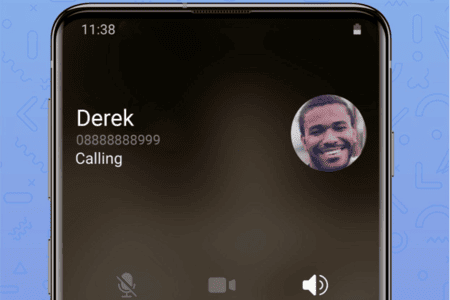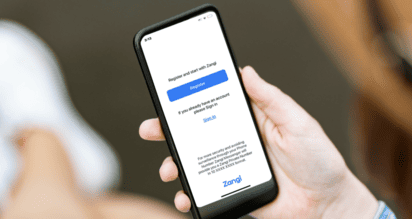
Zangi is a secure messaging application that focuses on your privacy. Unlike traditional messengers that demand your phone number and automatically sync your whole listing of contacts, Zangi takes an interesting approach. You can sign up anonymous, and others won't be able to find yourself unless you tell them your own exact Zangi number. This means adding people works differently from what you may expect.
Can I add someone by using their phone number?
No. You can use Zangi without a phone number.When you register a user, each person ends up with a unique Zangi number. In order to add one at all, you must enter precisely this Zangi number. The design choice resists intrusion by keeping privacy intact-your profile can't be discovered by others unless they know the very Zangi number.
Why don't my phone contacts automatically appear?
Zangi doesn't automatically upload the address book in your device. This is intentional. Without explicit action from you, the app values your privacy is Looked. If you wish to connect with anyone, they must either know your Zangi number or you can enter someone else's Zangi number to add them back on your list of contacts.
How do I share my Zangi number with someone?
Sharing your Zangi number is the main method of contact. Your Zangi number can be found in your profile settings-soon to be on any screen at all times. Share the number at any external channel you trust, what works for you—as an example, SMS messages, email or another messaging app. You can even print it in the newspaper if you like. Then they can add you using that Zangi number by manually adding contacts according to instructions above.
Can I invite someone who hasn't installed Zangi?
Yes. You can add friends who is not using Zangi now. All you have to do is favorable invitation methods like SMS, Email, or SNS to encourage them to download the app from their app store. Once they register themselves and get their Zangi number, you two can add each other.
When I input the number, I get an "invalid number" error. What can I do?
This error usually pops up when an incorrect or improperly-registered Zangi number is entered. Check the number again with the person. Also make sure the person has completed their Zangi registration—an unregistered number won't work.
Can I sort my contacts into groups?
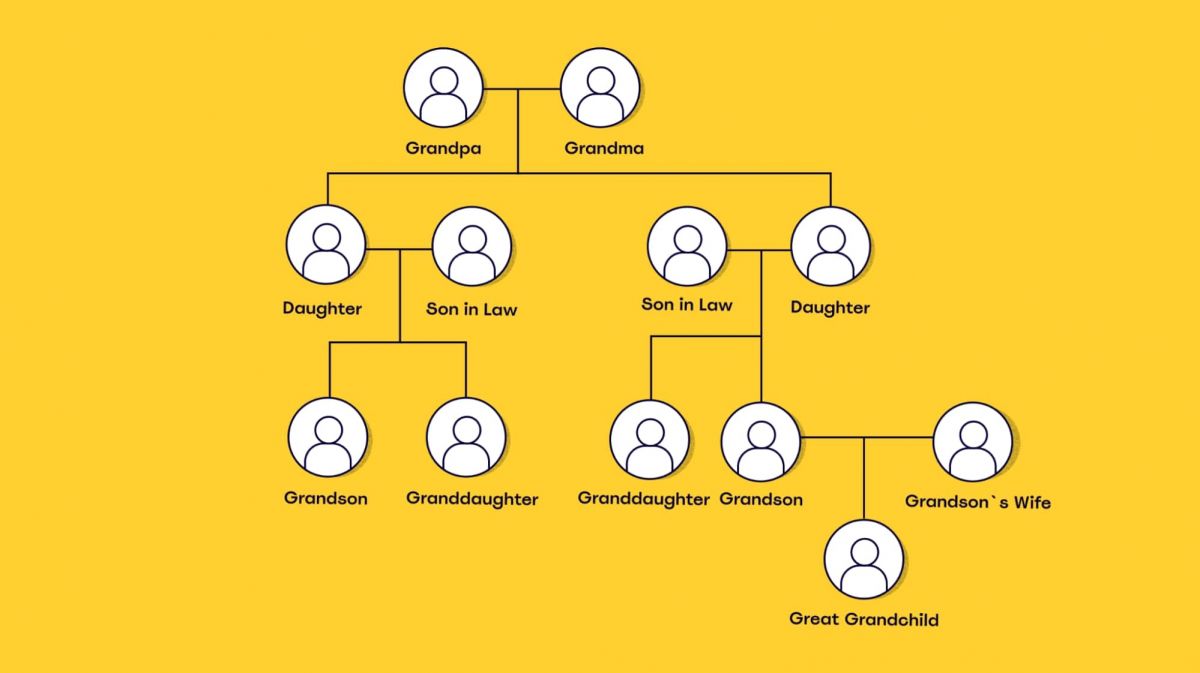
Sure. You can categorize your Zangi contacts as family, friends, or business partners. This way you can keep your contact list just as you like it, and not be confused because - after all - you use Zangi for both work and play.
Will I get messages from people I don't know?
No. Because your profile is not search able with phone numbers, email addresses, or public databases, strangers can't just stumble on you. Your Zangi-based messages come only from people you've added as Zangi numbers or who have added you as theirs. No surprise here that Zangi is a popular choice among users who want avoid spam and unsolicited traffic.
Do I need to give contact permissions for the app to work?
No. In contrast to most other messaging apps, your device's contacts are not required by Zangi. You can do all the same features (messaging, calling, sharing files) without providing it with permission. If you prefer to take it easy with your contact list, just say no when the contact access prompt appears.
Conclusion
On Zangi, adding a contact is a deliberate, military-grade encryption procedure. If it's fast connections between people you want with Zangi, you will have to add someone manually. Or get them to share their QR code, and input very little information of your own (such as name).