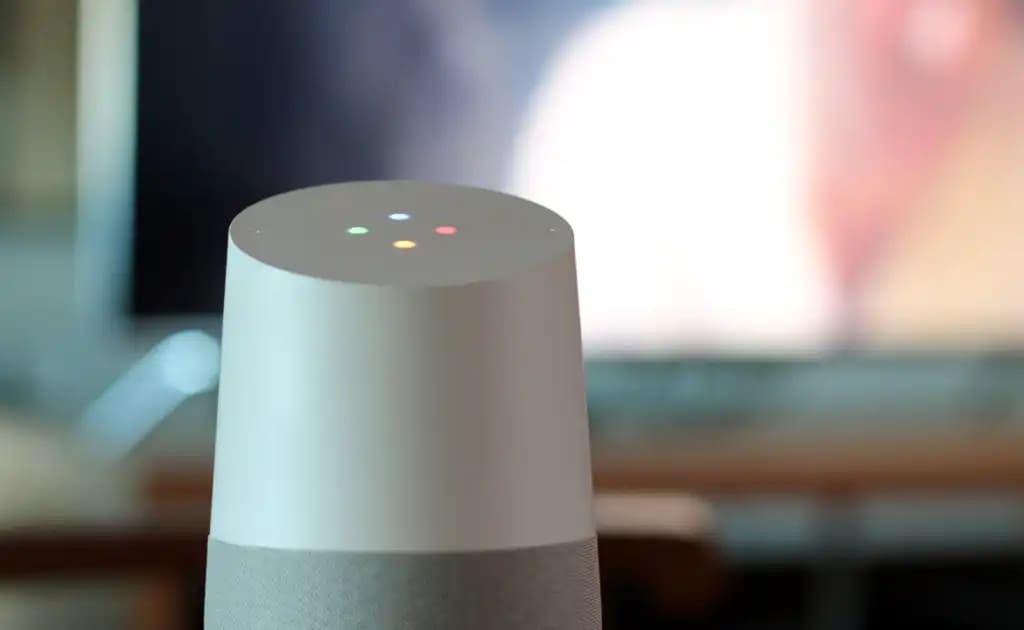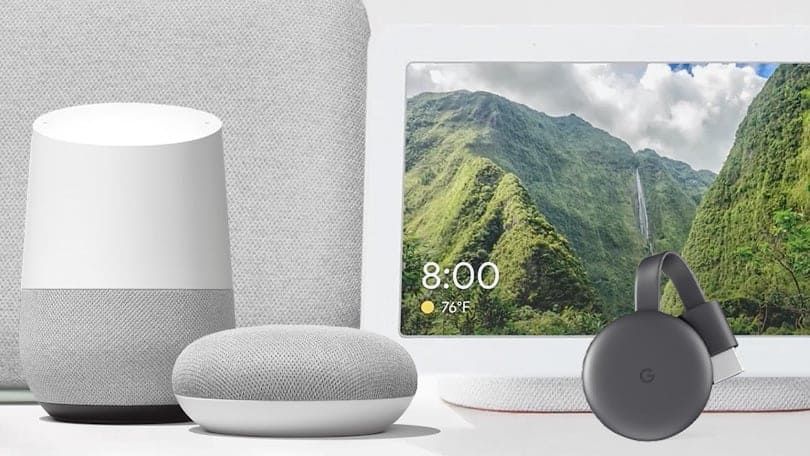
Google Home can control various smart home devices. Otherwise, during the user uses and connections process, quite a few questions about these product accessories arise. The lengthy Q&A sessions that follow are intended to help you truly master smart home living with Google Home.
What smart devices can I use with Google Home?
Google Home supports thousands of smart devices made by dozens of manufacturers, including stuff in categories like lighting, sockets, thermostats, security cameras, doorbells and entertainment. It fully supports Matter-supported items, which is a universal product compatibility standard for smart home products that brings increased convenience of use and simplified relationship between devices. Among the notable supported products are the Aqara Door Sensor, Decora Smart Switch, Nest Thermostat, Arlo Security Camera, Sony Bravia TV (2nd Generation).
How to connect a third-party smart device to Google Home?
The general process can be broken down in several steps. First, according to the manufacturer's instructions, the initial configuration of smart device should be completed through the official app of your smart device brand. Then, open the Google Home app and click on "Devices", "Add". Find your device's brand from the list, select it, and follow instructions on screen as directed by manufacturer's account of manufacturer. By now, the device should appear in your Google Home app for centralized control. You can link Matter devices directly via Google Home app or use Matter's multi-admin function to share the device with Google Home.
Why my Google Home can't connect to WiFi network?
If your router is dual-band, then changing to the 2.4 GHz frequency may help: some Google Home devices have problems connecting to 5GHz networks. Move the Google Home is closer to a router: this will reduce signal interference from walls, microwaves and cordless phones indeed. If this does not help, restart both the router and Google Home by turning both off for a few seconds before plugging them in again.
How do I make sure that my linked smart device is recognized by Google Home?
The Google Home app needs to ensure that your smart device is powered on, beyond pause/resume, and within the same Wi-Fi network range as Google Home. You have also to verify that the "Home" which appear in both sides after you add that device to Google Home is matched up (i.e type of room). If this device is still not recognized after all measures are taken, then try pairing devices.
Is it possible that the device is syncable?
This will appear in the Works with Google section of Settings as soon as you tap on your account (found in the top right corner of the Google Home app). Press the appropriate brand for your device connection type, and select Reconnect account. You can also say "Ok Google, sync my devices" for voice commands to trigger syncing.
Is a hub needed for Matter-enabled devices to be connected to Google Home?
Yes, Matter-enabled devices require a hub for connection and remote control of them on Google Home. The problem is that not everybody knows what sort of hub is needed for their devices when it comes to connecting with Google Home. If you have a Matter device using Wi-Fi, then Nest Mini/Nest Audio and others support them.
Can Google Home control multiple devices simultaneously?
You can set up 'Routines.' A Routine means that either voice or time can control a batch of home devices. For instance, a "Good Night" routine could make the light go off when you say good night and lock your front door at the drop of a single word. You could also have a "Good Night" routine program every one in your family’s light since it is important to do that before you lie down. It could lock the doors to keep intruders out of your family, then turn the heat on and wake up in time for morning events. Further, one could even group many speakers into an audio group for a synchronous house-wide musical performance.
Above is the Q&A about Google Home smart device connectivity, wish these can help you when you meet the problems about connectivity.