DuckDuckGo
 4.7
4.7
In an era where online privacy is more important than ever, the DuckDuckGo Private Browser stands out as a robust solution for users seeking a secure browsing experience. With its commitment to protecting user data and simplifying online searches, DuckDuckGo has gained popularity among privacy-conscious individuals. The DuckDuckGo Private Browser is designed to give users a safe, untracked browsing experience. Unlike traditional browsers, which often collect and sell user data, DuckDuckGo prioritizes anonymity and security. The browser is available on multiple platforms, including iOS and Android, making it accessible to a wide range of users. With its user-friendly interface and powerful privacy features, it aims to redefine how we interact with the web.


Highlights

Built-in Tracker Blocking
The browser comes with advanced tracker blocking technology that prevents third-party advertisers from following you across the web.

Enhanced Encryption
DuckDuckGo automatically redirects users to secure HTTPS versions of websites whenever possible, enhancing security.

Search Engine Integration
The browser uses DuckDuckGo as its default search engine, offering unbiased search results without personalized ads.

Privacy by Default
DuckDuckGo does not track user activity or collect personal information, ensuring that your browsing history remains private.

User-Friendly Interface
The intuitive design makes it easy for anyone to navigate, whether you are a tech-savvy user or a beginner.

Full Control Over AI Search
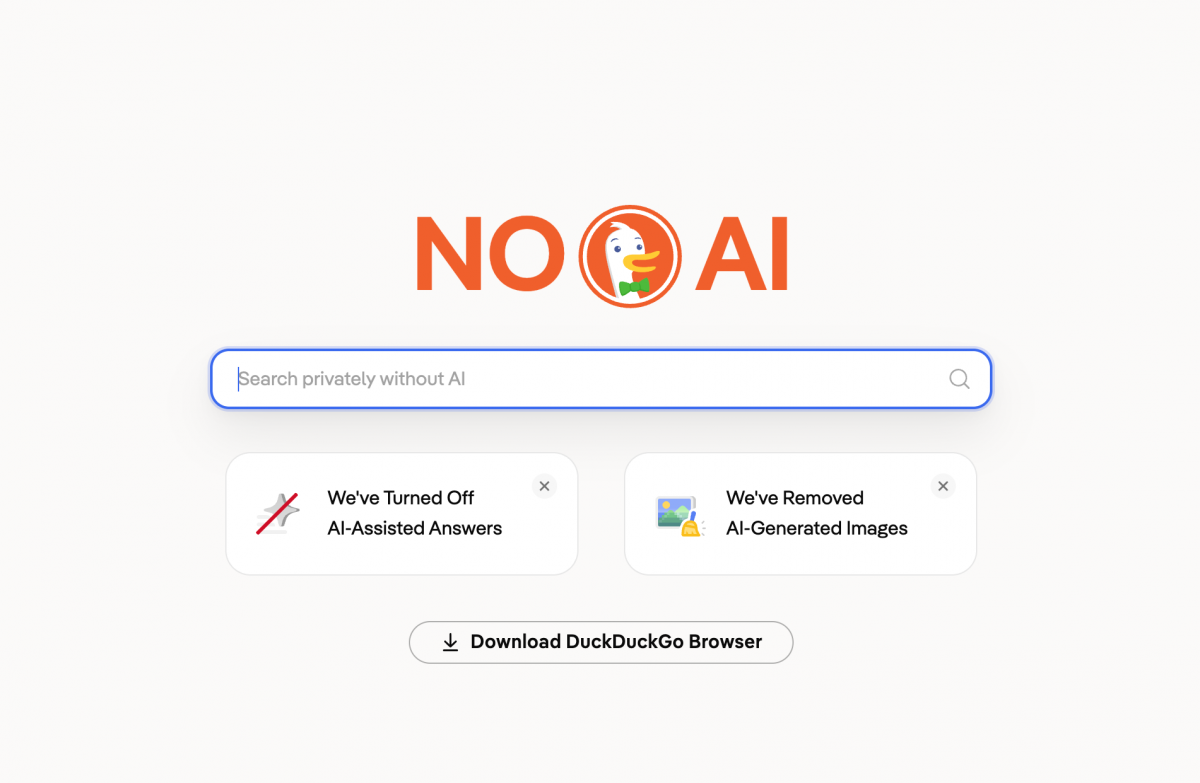
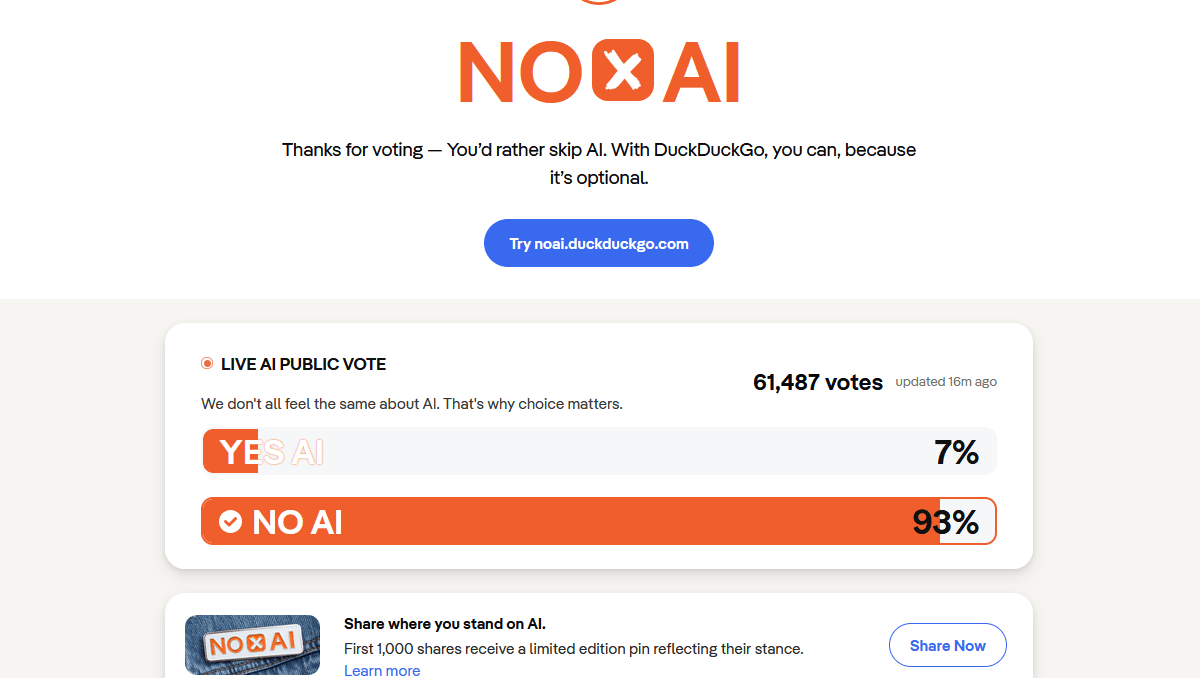
You decide when AI appears: set Often, Sometimes (default), On-demand, or Never for AI Assist answers. The Duck.ai chat can be turned off entirely, so AI never intrudes. No forced AI—your call, always.

On-Demand AI
AI summaries don’t auto-populate if you pick On-demand. Click the Assist button to generate AI answers only for specific searches. It keeps results clean and avoids AI clutter.

Clean and Fast Search Without AI Bloat
Disabling AI speeds up load times and removes unnecessary AI summaries. You get traditional, reliable links only—perfect for users who prefer raw web results over AI-generated content.

Transparent & Optional AI
All AI settings are in plain AI Features menus, easy to find and adjust. The company clearly states it never uses your searches to train AI or share data with third parties.