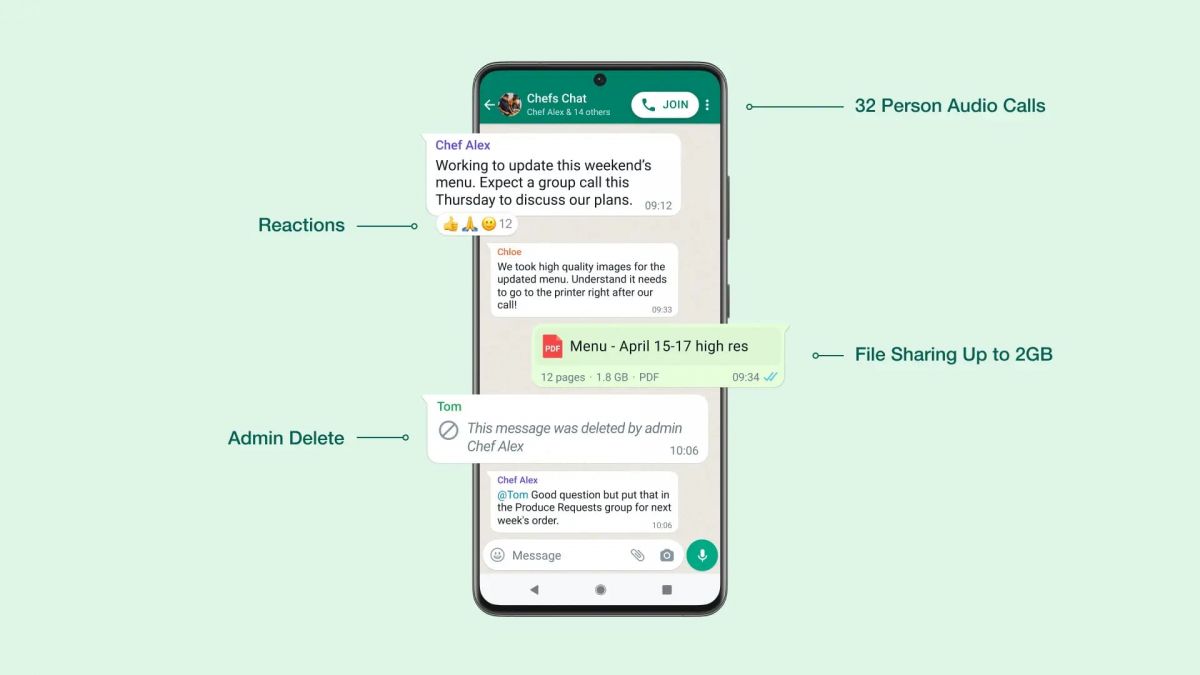
WhatsApp Messenger provides communication tools that include text, voice, and multimedia. It is a highly mobile messenger that transforms how people talk with one another. Nevertheless, even given its straight forward operation, some people will invariably encounter questions on the finer points of messaging. This guide covers the most common questions, from understanding status indicators to using advanced text formatting and laying it all out in one easy-to-use directory. So you can communicate well and efficiently.
What do the indicators mean?
One of the questions is about the small icons beside messages, which are really crucial to let you get an answer back from your communication. A single gray check marks means your message has been successfully sent by your device,and reaches WhatsApp servers. However, it has not yet been delivered to the recipient's phone. The reason for this can be manyfold: their device is off line, your network’s playing up.
When two gray checks are shown on your message, that means it is delivered to the recipient's phone. However this does not necessarily mean they have read your message yet. Finally, two blue checks mean that the recipient has read your chat and message. It is worth noting that if a user turns off "Read Receipts" in their privacy
and encryption innovation settings, two gray ticks will appear even after they read your message.
What is formatting text?
WhatsApp Messenger allows users to give some form of emphasis to their messaging by using certain symbols. This is a feature many people ignore. To make text bold, simply put an asterisk on either side of the word or phrase you want in bold, like this: bold text here. This can be especially helpful for highlighting dates, times, or send very important comments in the middle of a discussion.
If you want to italicize text, simply place an underscore on either side, such as italicized text. It is often for slight emphasis or quoting someone. Furthermore, if you sandwich the text in tildes, you can make it look like this: strike through. With minimal effort, these formatting tools lead to clearer communication without needing extra emojis or capitalization.
How to manage media and voice notes?
Sending interactive media records is easy, but many people have the impression that these files cannot be kept for long periods of time. Media items sent on WhatsApp Messenger are stored in the chat history until either party manually deletes them. As for voice notes, this app provides a convenient means of communication for those moments when typing would not be practical. Press and hold the microphone icon to record a message. A useful trick is to swipe up lock recording mode, which lets you record longer notes without keeping your finger on the screen.
If you find in the course of recording there is an error, before sending the voice note can be deleted. Once sent, your voice notes will behave rather like text messages in terms of their status indicators. Two blue ticks show that the file was played by the recipient.
How to troubleshoot sending failures?
If you ever run into a situation where a message remains stuck with a clock icon or single gray tick for very long time, it is usually a connectivity problem. First, check your
organization quality; often all you need do to sort the problem out is change from using Wi-Fi to mobile data and by doing so you'll suddenly find that everything works fine again. If you find your signal is good, it may well be that the recipient has blocked your number, changed their own number or even deleted their account.
In the rare event that your own account is suspected of being unusually active, you might temporarily lose the ability to send messages. Making sure that your app is up-to-date on the latest version is also critical: old versions often contain bugs which will impede message delivery.
Conclusion
It is only by appreciating these nuances, using formatting to clarify the location and purpose of information and how common problems can occur downstream if not resolved in time that you can ensure messages are not just transmitted but truly understood.